🎮 Cybersecurity Village · Adventure
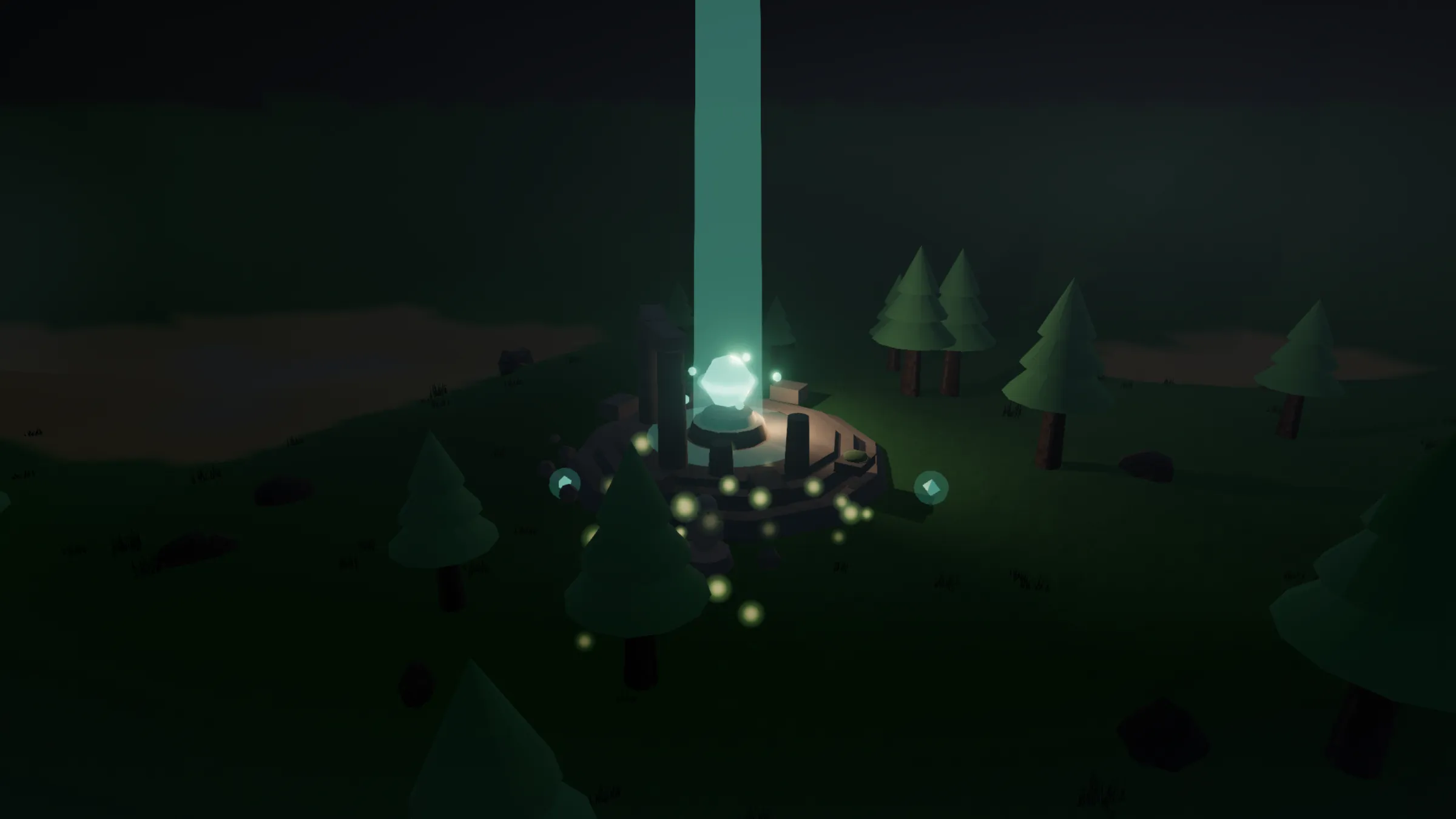
Learn to protect yourself — by playing. The village was once guarded by five lines of security defense. Now those defenses have fallen, the world has lost its color and slipped into night. Your quest: leave the village, recover the five "security ruins" scattered across the wilderness, defeat their guardians and relight the defenses one by one, until the village shines again — and every defense maps to a whole set of hands-on security materials on the "Cybersecurity Village" site. And relighting all five defenses isn't the end: the world flips into daytime, and a series of side stations appears outside the village for you to keep practicing.
▶ Play the game See how to level up your security
No install — open and play
Play right in your browser: no download, no sign-up. Works on desktop, phone and tablet, and keeps running offline once loaded. The interface supports 正體中文 / 简体中文 / English and switches automatically to your device language.
📣 In-person forum on 7/20 — free, registration open
Finished the game and want to talk security with real people and harden your defenses further? The Open Culture Foundation is hosting a free in-person forum in Taipei, "Civil Society's Digital Front Line: Facing Digital Threats Together" (held in Chinese), presenting two research reports on the digital security of civil-society groups and bringing together security researchers, practitioners and policy experts to safeguard the digital resilience of civil society.
- 📅 Mon 2026/7/20, 14:30–17:10 (check-in from 14:00)
- 📍 BEONE VISION SPACE (B1, No. 200, Sec. 1, Keelung Rd., Xinyi Dist., Taipei)
- 💵 Free entry, registration required
Screenshots
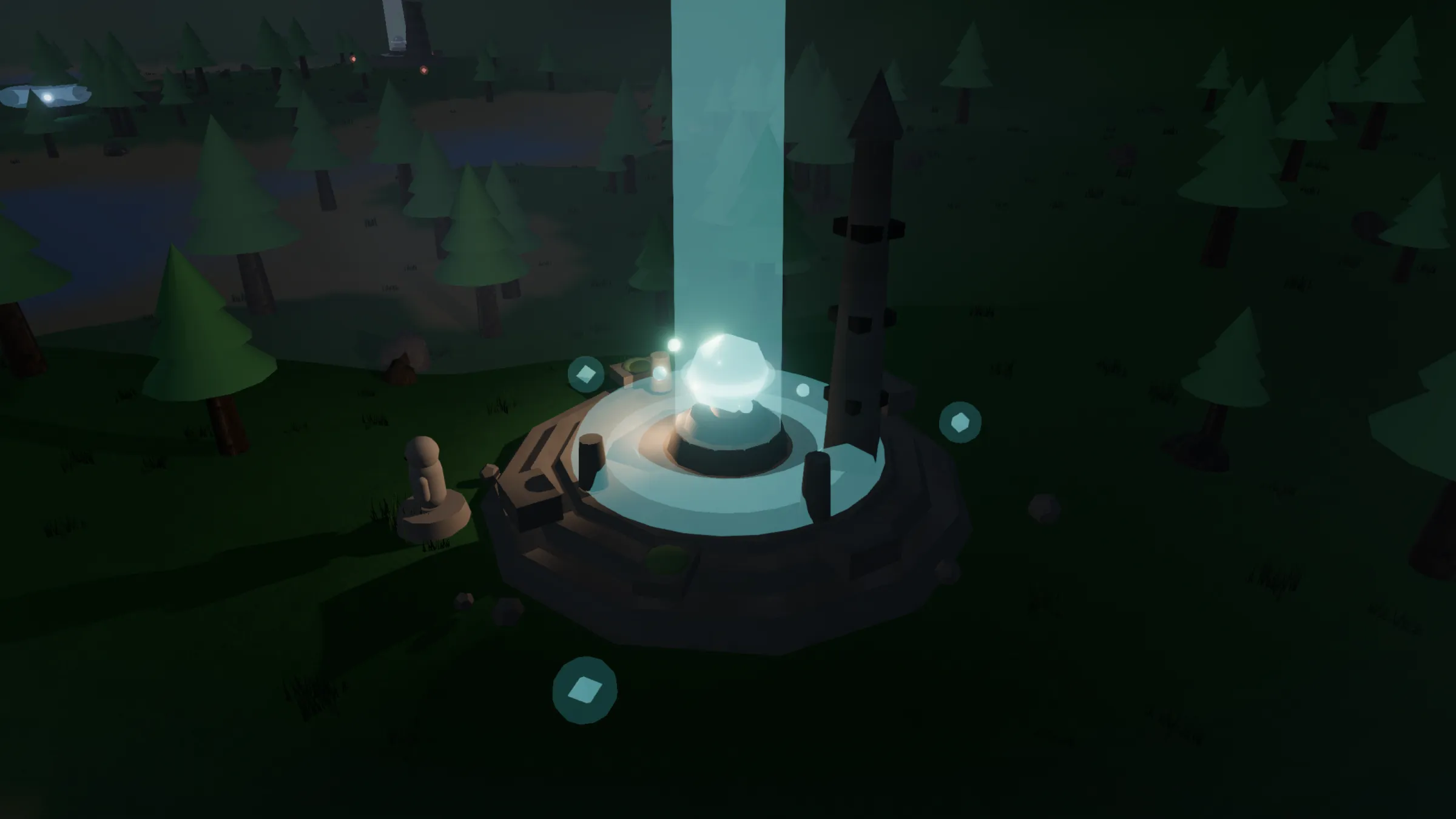
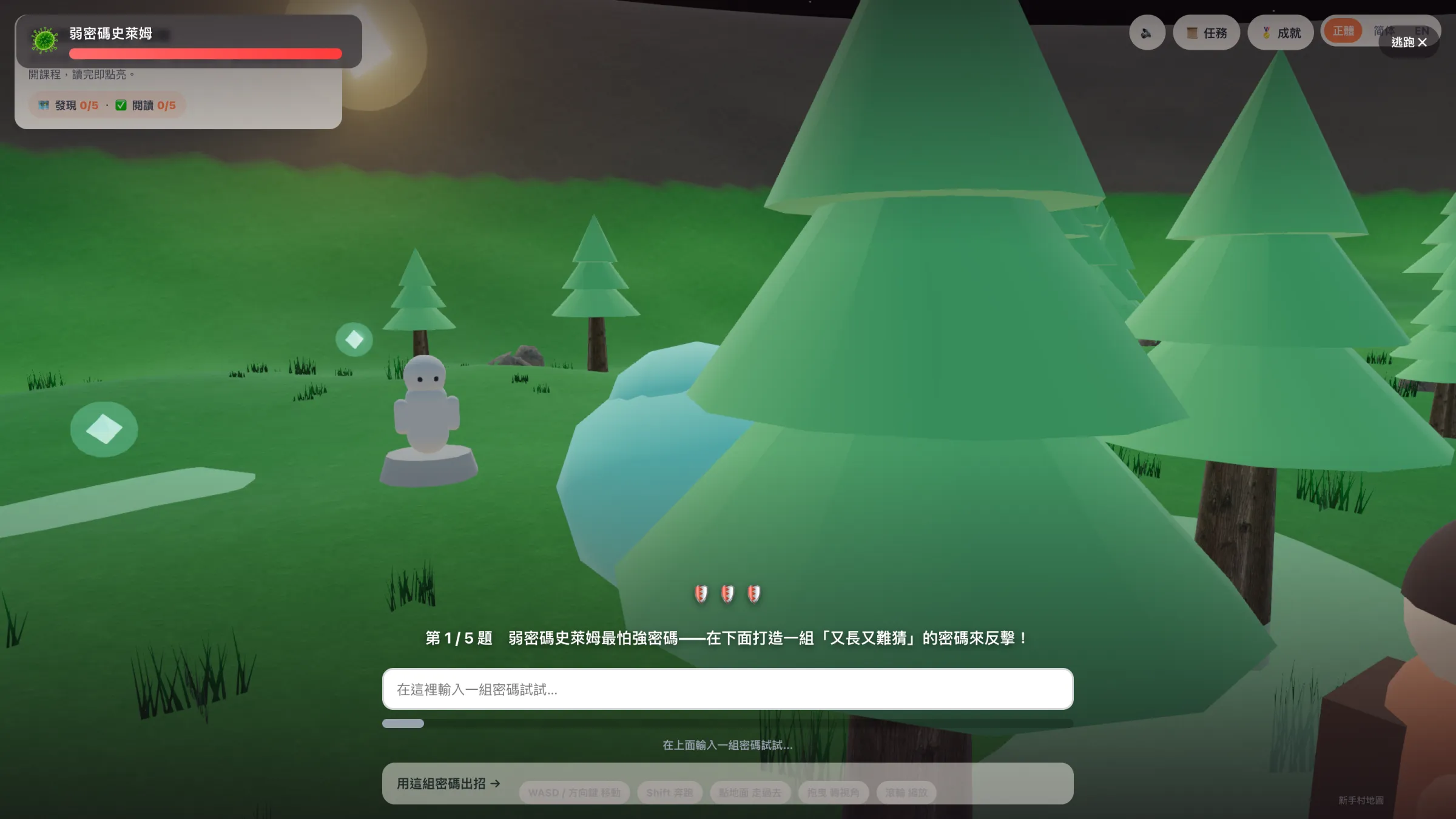
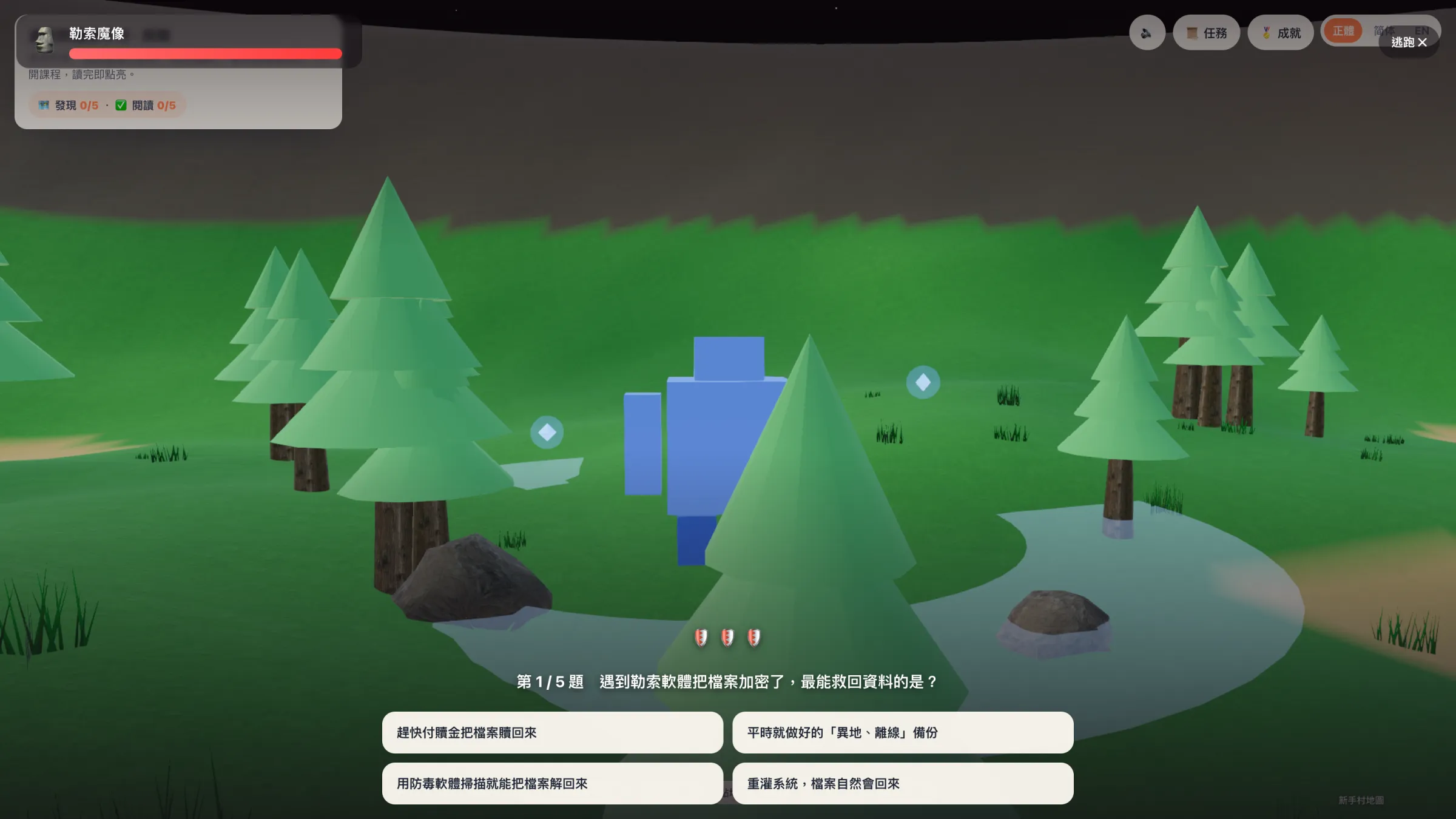
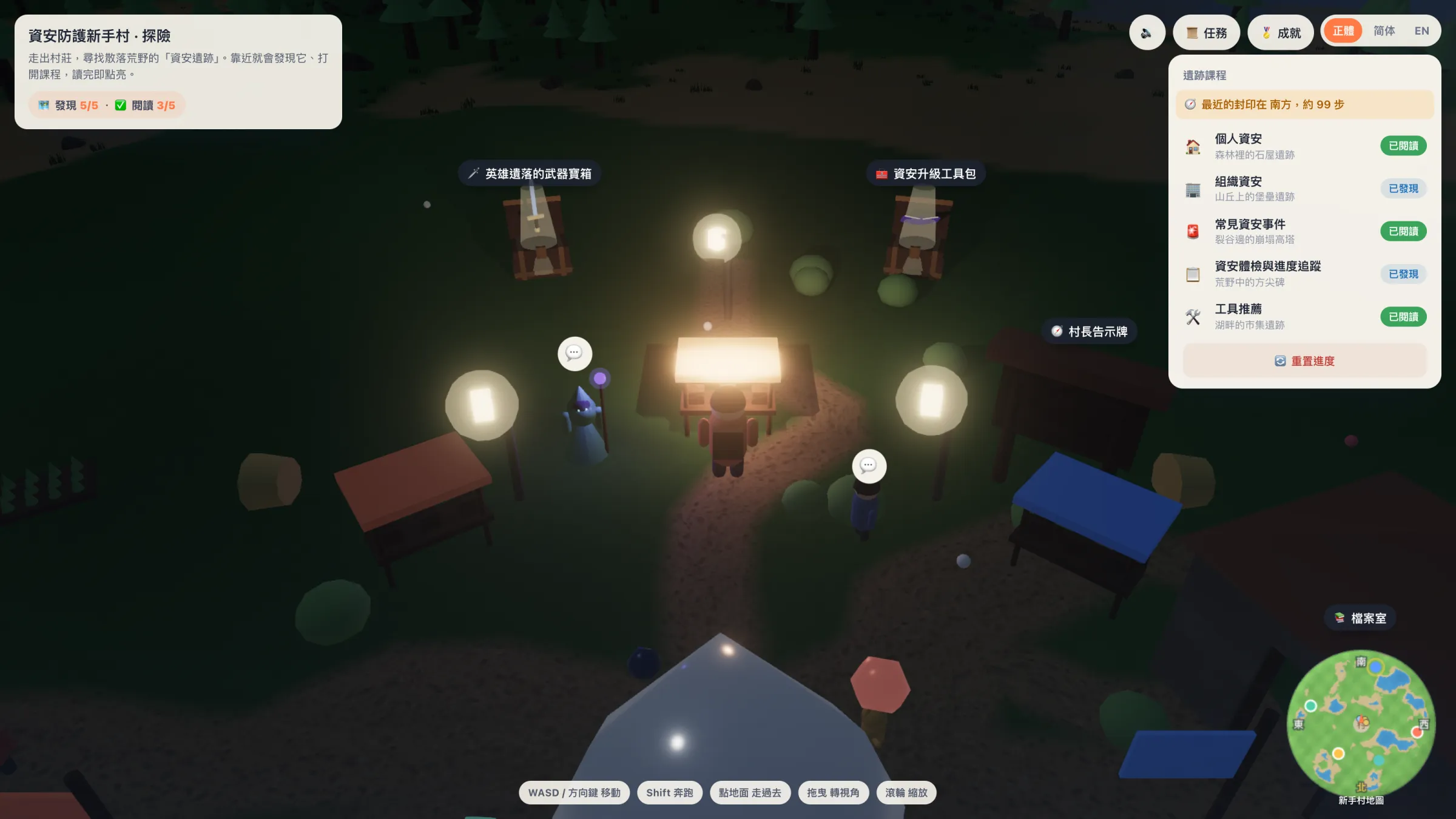
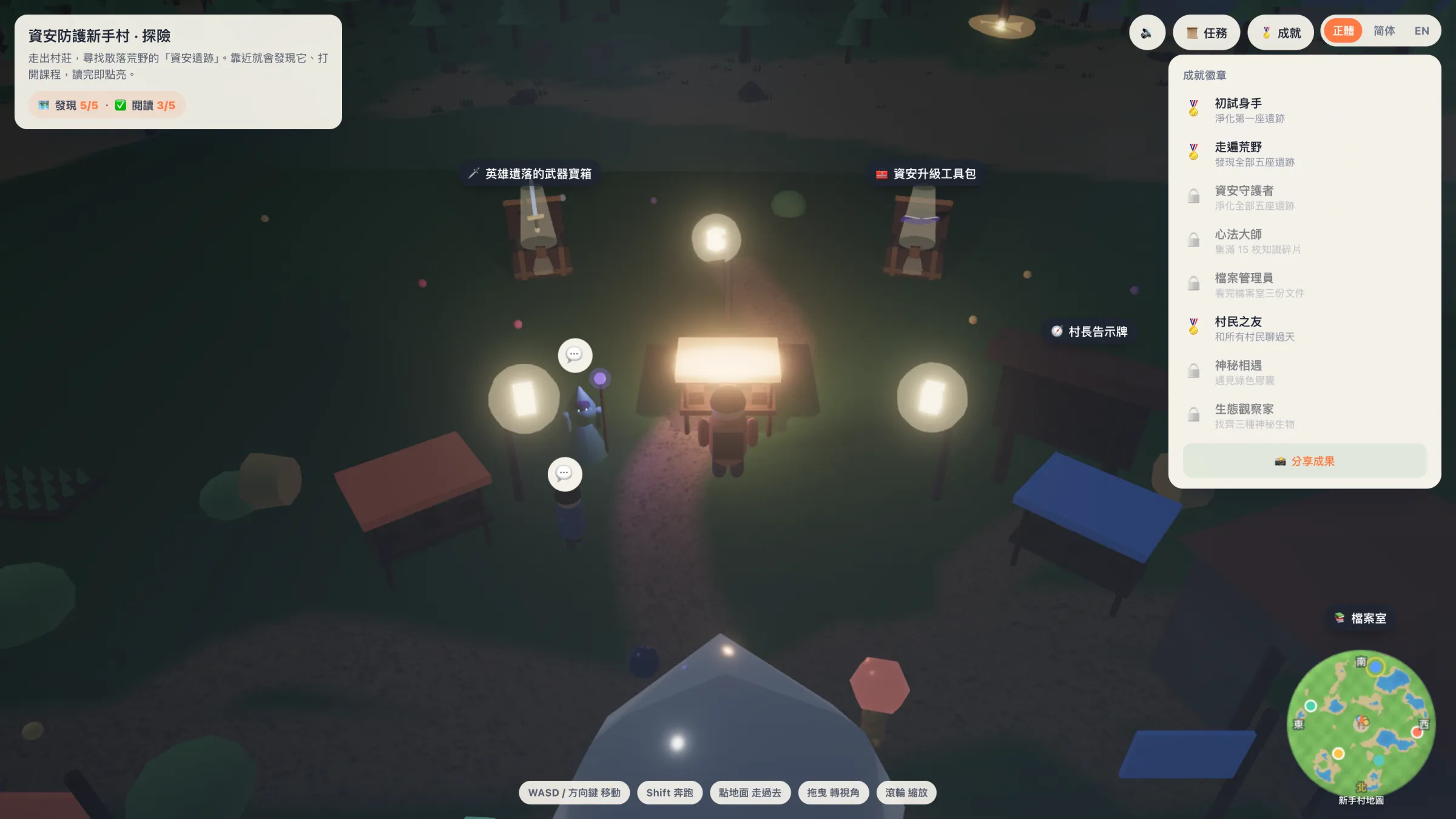
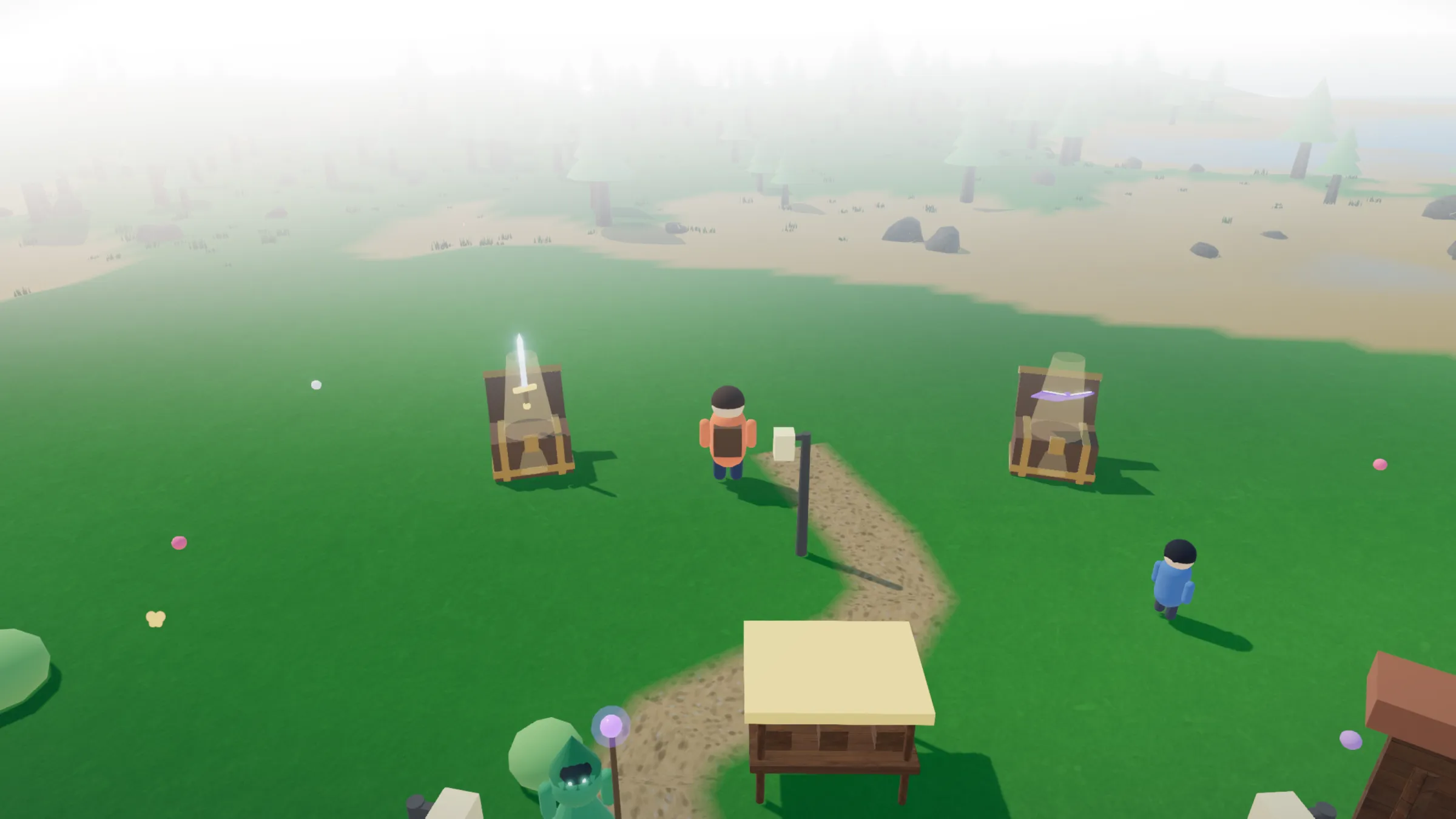
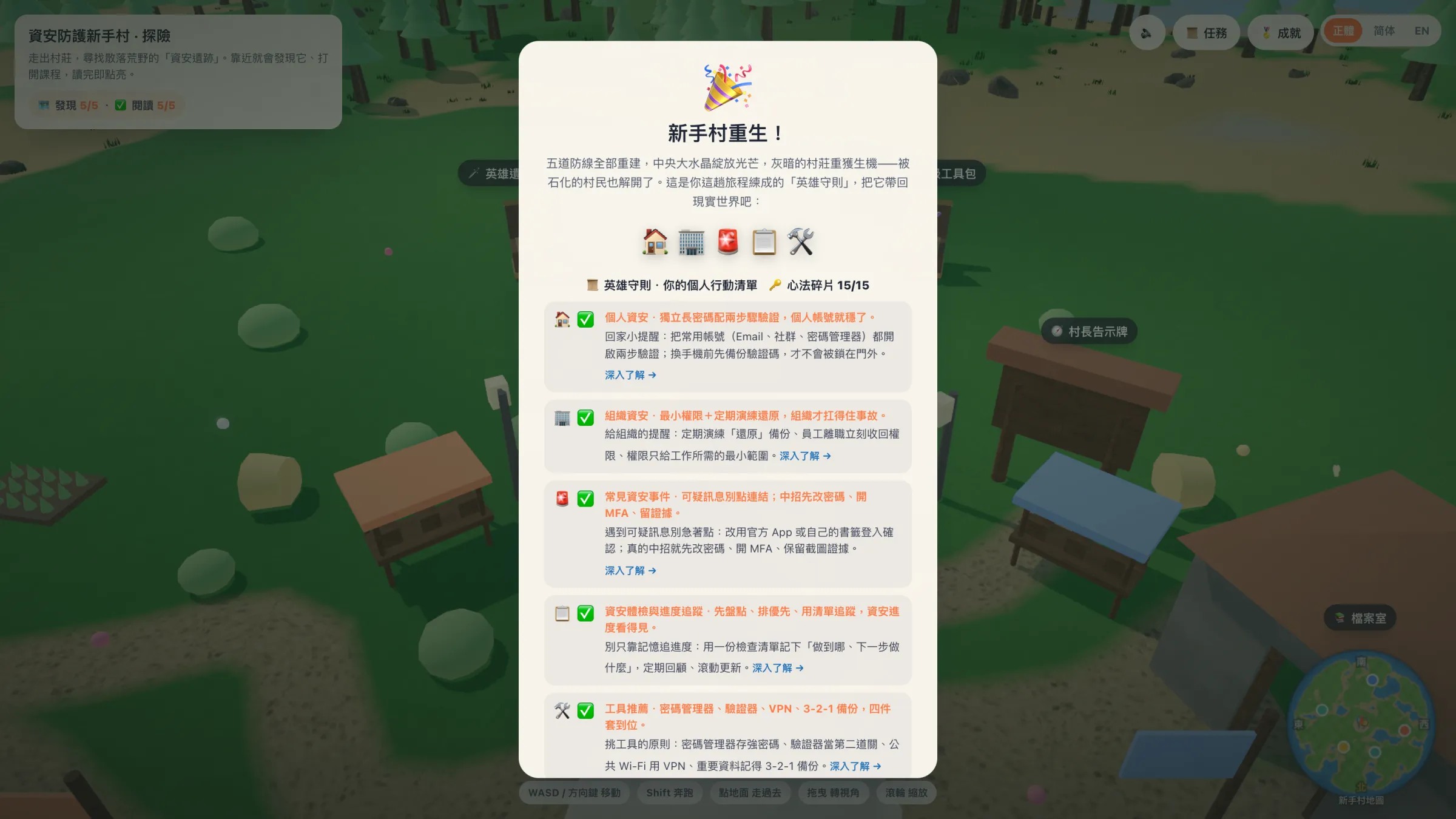

What you'll learn
The game gets you started; the complete, step-by-step material lives on the "Cybersecurity Village" site:
-
🏠 Personal security
Phone and computer protection, account security, safe browsing, encrypted communication, travel abroad.
-
🏢 Organization security
Work devices, networks, account and permission management, data backups and security policy.
-
🚨 Common security incidents
What to do in the moment during phishing, ransomware, password leaks and account takeovers.
-
🛠️ Recommended security tools
Password managers, authenticators, VPNs and the 3‑2‑1 backup strategy.
-
🧰 Security upgrade toolkit
Take stock, assess risk, audit devices, use policy templates — and track your security-upgrade progress step by step.
🎡 How much is hidden in the game
This isn't just a single "clear-it-and-done" line. Once you step into the village, you can —
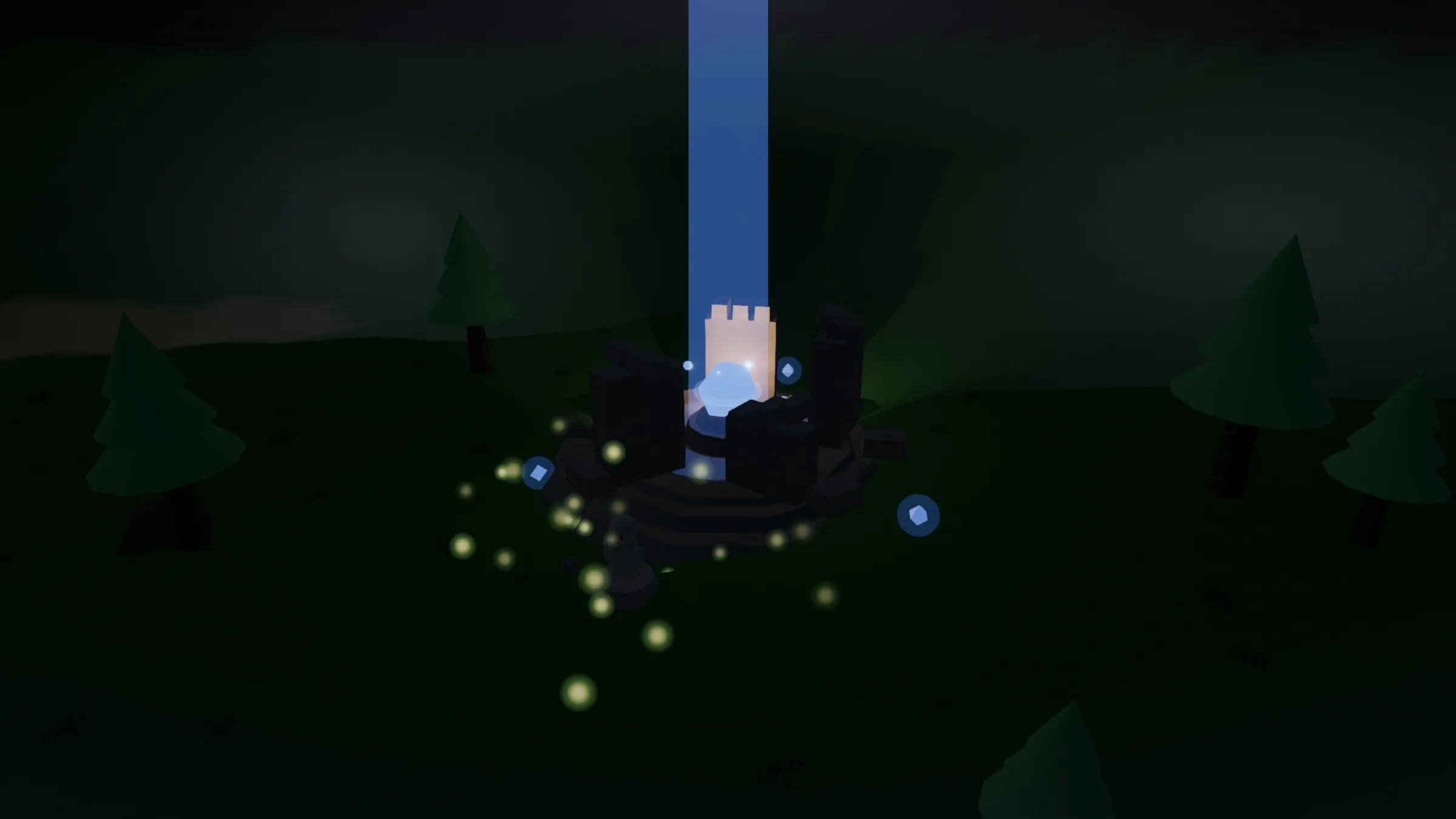
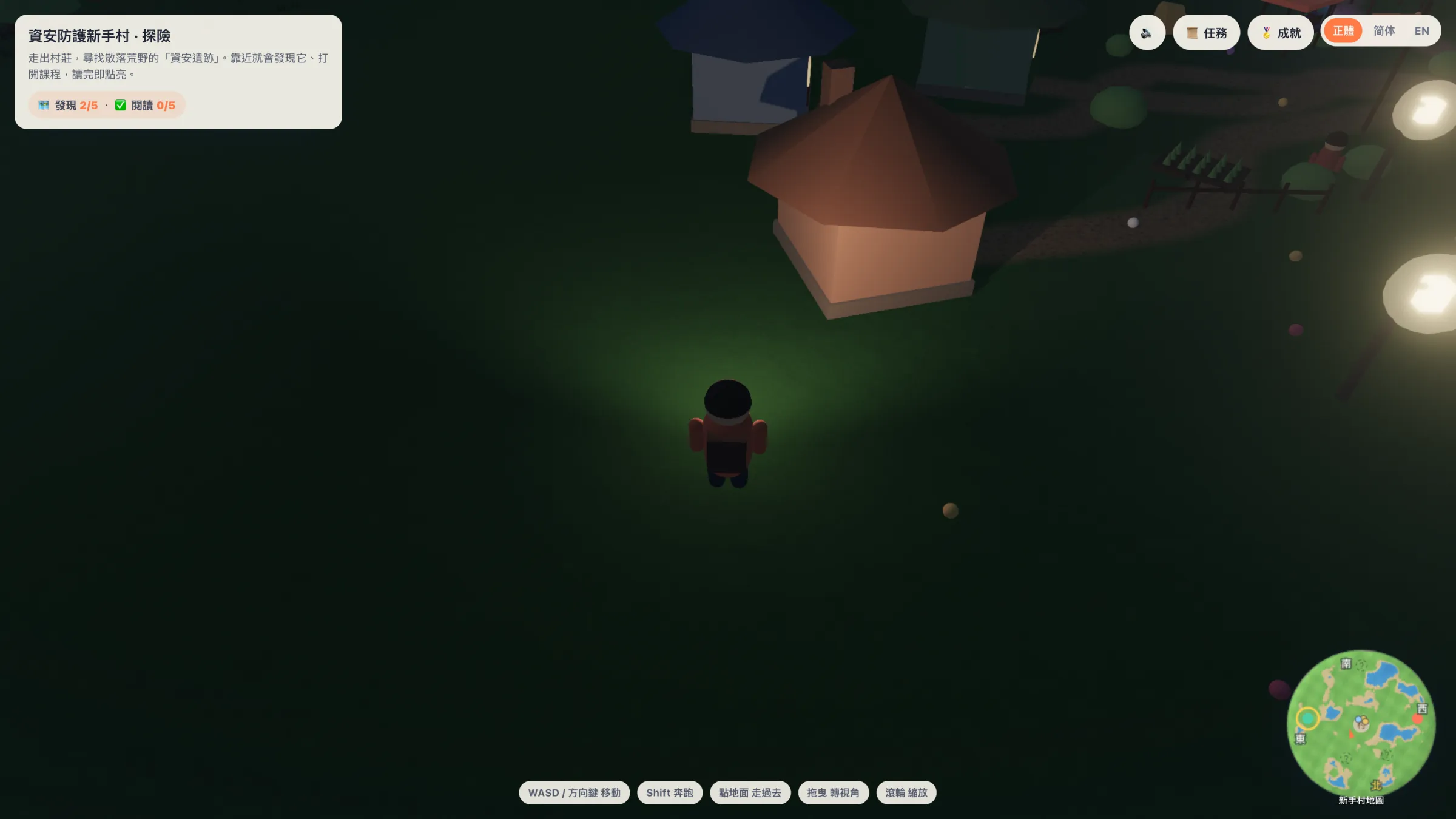
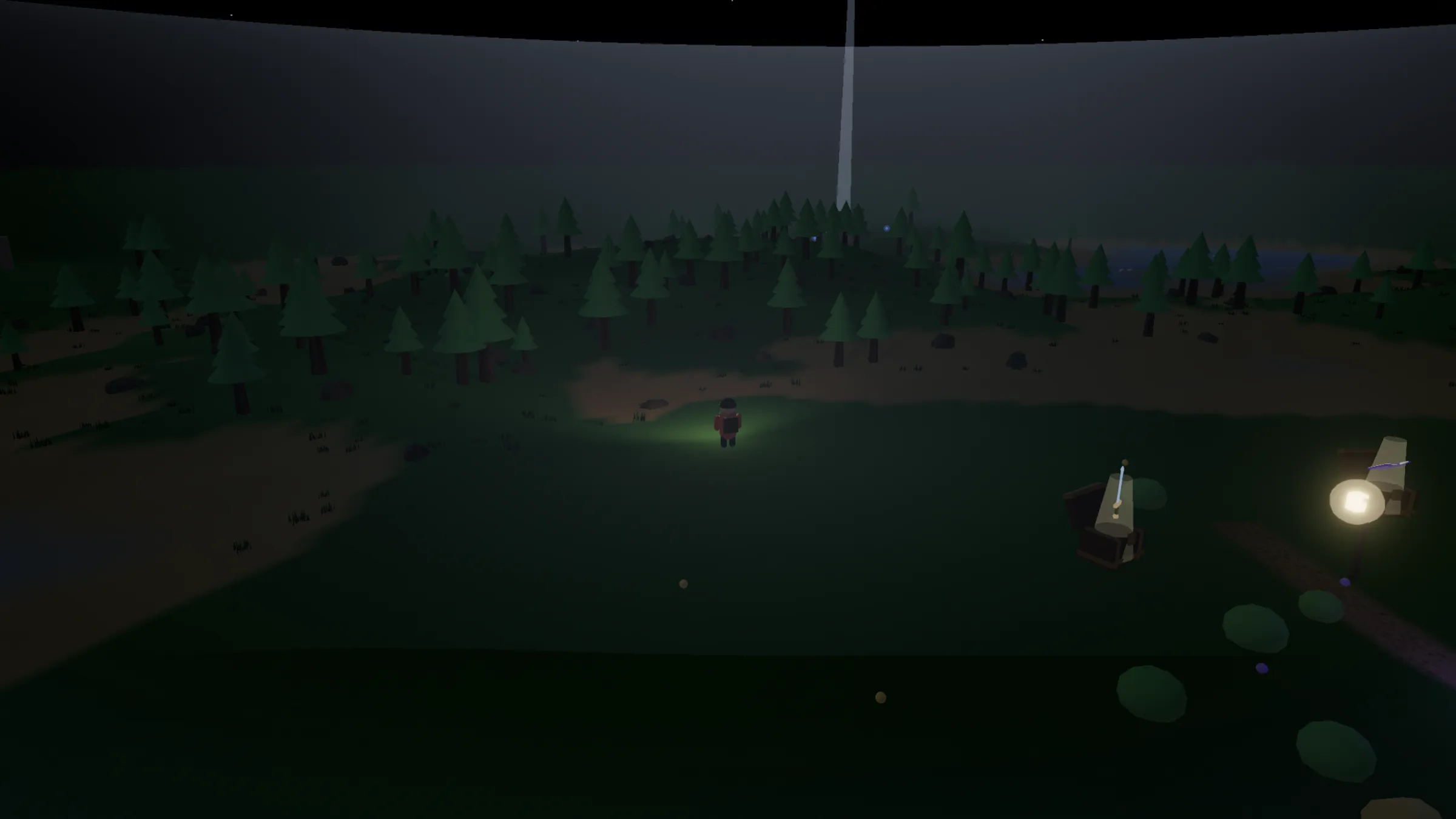
- 🗺️ Trace and relight: leave the village and recover the five security ruins in the wild, each watched by a guardian; answer with what you learned in the lessons to strike back and relight all five defenses.
- 🧠 Situational challenges: battles aren't only multiple choice — you'll also face phishing-email spotting, real-vs-fake URL busting, live password strength and deepfake-call verification, making calls as if it were really happening, with an explanation each time.
- 🌅 Daytime world: with all five defenses in place, the world flips from night to day — flower fields bloom, rainbows, hot-air balloons and sailboats appear, wildlife awakens, and the village sees daylight again.
- 🎣 Lakeside phishing catch: stand on the dock and reel in letters one by one, deciding whether each is phishing or legitimate — building your instinct for suspicious mail.
- 💎 Collectibles and achievements: pick up scattered sun shards (each a security tip you can take with you), snap photos at scenic spots for your album, and unlock a whole wall of achievement badges.
- 📚 Archive room: browse three real research reports on digital threats and the results of a security-companion program.
- 🕵️ Free exploration: want to head straight into daytime? Add
?explore=1to the URL, or tap "☀️ Free-roam in daylight" on the start screen to skip the quests and just play. - 🗡️ Hidden easter egg: a standalone 2D minigame, "Blade Survivor," is hidden at the edge of the world, waiting to be found.
🛠️ Five side-practice stations after dawn
By day, five little stations appear outside the village, each pulling out one of the most practical security skills to drill on its own — turning good habits into reflexes as you play, each with its own achievement badge:
-
🔨 Password Forge
Type, and the strength-forge glows brighter as you go — hand-forge a passphrase that's long and hard to guess, yet easy to remember.
-
🔍 URL Hunter Arena
A row of near-identical URLs, only one is the real official site — understand the "main domain" and you'll spot the impostor.
-
🔐 Two-Lock Sealing Rite
The core of two-factor and passkeys: pick "two locks of different kinds," and don't let both locks actually be the same kind.
-
💧 Backup Spring 3‑2‑1
Line up 3 copies, on 2 kinds of media, with 1 off-site — so even a disaster can't take your important files.
-
🎭 Deepfake Arena
AI can clone a voice and swap a face. A call urgently asking you to wire money — do as told, or verify first?
How to play
- Move: on a computer use
WASDor the arrow keys; on phone or tablet use the on-screen touch joystick. - Explore: leave the village and follow the minimap (it rotates with the camera) to find the ruins and landmarks scattered around.
- Clear challenges: walk up to a ruin and interact with its guardian; use what you learned in the lessons to pass, relighting all five defenses one by one.
- Complete: repair all five defenses and the village lights up again — don't forget to share your results.
- Drill: after dawn, the five side stations outside the village let you practice passwords, URLs, two-factor, backups and deepfake defense on their own, each earning an achievement badge.
- Jump straight to daytime: add
?explore=1to the URL, or tap "☀️ Free-roam in daylight" on the start screen to skip the quests and explore the daytime world directly.
What devices can I play on?
This is a 3D game rendered live in your browser, with almost no special requirements:
- Browser: any modern browser with WebGL2 and ES modules: Chrome/Edge 89+, Firefox 108+, Safari 16.4+ (iPhone/iPad need iOS/iPadOS 16.4+). Roughly "a browser updated within the last three years."
- Desktop, phone and tablet all work: desktop uses keyboard + mouse; phone and tablet show a touch joystick automatically.
- Network: only the first load needs a connection (about 4 MB, including the Three.js library and textures); after that it keeps working offline.
- Performance: it runs on ordinary integrated graphics. On older or slower devices, set the quality to "Lite" on the start screen; quality has three levels — Auto / Lite / Rich — and defaults to auto-adjusting per device.
- You don't need: to install, register or log in, and it leaves no personal data on your device.
Who it's for
- Civil-society organizations (CSOs) / NGOs: as an icebreaker for security training, or a "clear-it-at-home" assignment after a workshop.
- Individuals: approachable even with no security background — build the basics as you play.
- Anyone promoting security: free and openly licensed (CC‑BY 4.0), so use it freely in courses, groups and events.
🛠️ How this game was built (for those who want to make their own)
The whole world is rendered live in the browser with Three.js — no game engine, no bundler, no external CDN. If you'd like to build a similar little game, here are the key practices we think are worth sharing:
- No build step, just open and run: load Three.js directly with the browser's native ES modules + an import map (r184, fully self-hosted under
vendor/). The whole project is one HTML file plus a few.jsfiles — no webpack/vite-style bundler needed. - InstancedMesh for lots of vegetation: thousands of trees, shrubs and rocks would tank performance if each were drawn separately;
InstancedMeshdraws all copies of the same object in "one draw call," which is key to staying smooth. - We took WebGPU seriously: we also built a WebGPU trial/eval page that picks WebGPU automatically, falls back to WebGL2 if unsupported, and shows the active backend, FPS and draw calls live. The conclusion: the game already keeps draw calls very low via InstancedMesh, so under real load WebGL2 holds a steady full refresh rate; you'd only see WebGPU's edge by pushing stress far beyond what the game needs. Plus WebGL2 is more widely supported on phones and across browsers (especially iOS/Safari), so the shipping game meets the bar on WebGL2 and doesn't require WebGPU.
- Terrain by function, not image: ground relief is computed live by a height function, then painted as sand/grass/rock via vertex colors — saving a heightmap texture.
- Soft water edges: the coast uses a pre-baked "distance from shore" texture to fade the water's transparency, avoiding flicker (z-fighting) where ground meets water.
- One parameter drives day and night: a single "vibrancy" value (0 night → 1 day) drives lighting, color grading, mountain relief, the minimap and the UI palette all at once; change one value and the whole world follows.
- Post-processing that ages well:
EffectComposerchains Bloom (so crystals and beams glow), color grading and anti-aliasing, toggled automatically by device performance. - Text inside the 3D scene: ruin nameplates and NPC speech bubbles use
CSS2DRenderer, putting HTML/CSS to work as labels in the 3D world; the minimap is a separate 2D canvas that rotates with the camera. - Character animation without a skeleton: the hero's walking, jumping and double-jump spin come from rotating limb joints live in code — no imported skeletal animation files, so it stays small and controllable.
- Saves via localStorage: exploration and battle progress live in the browser locally, still there after you close and reopen — no backend server needed.
- Mobile-friendly: a pixel-ratio clamp plus quality tiers avoid blowing out fill-rate on high-resolution screens.
- The easter egg is a standalone 2D minigame: "Blade Survivor" is a separate 2D canvas, fully decoupled from the 3D main world so neither affects the other's performance.
The whole game runs offline with no external dependencies and is open-sourced under CC‑BY 4.0. The source is on GitHub — take it apart and build your own version.
About this game
Made by the Open Culture Foundation (OCF), this is a companion experiment for the "Cybersecurity Village" learning site. The whole world is rendered live in the browser with Three.js, runs fully offline with no external dependencies, and is open-sourced on GitHub alongside the site.